Triggers reference
Triggers determine when a workflow runs. Each trigger listens for a specific event and fires the workflow's actions when the conditions are met.
Events
Order Made
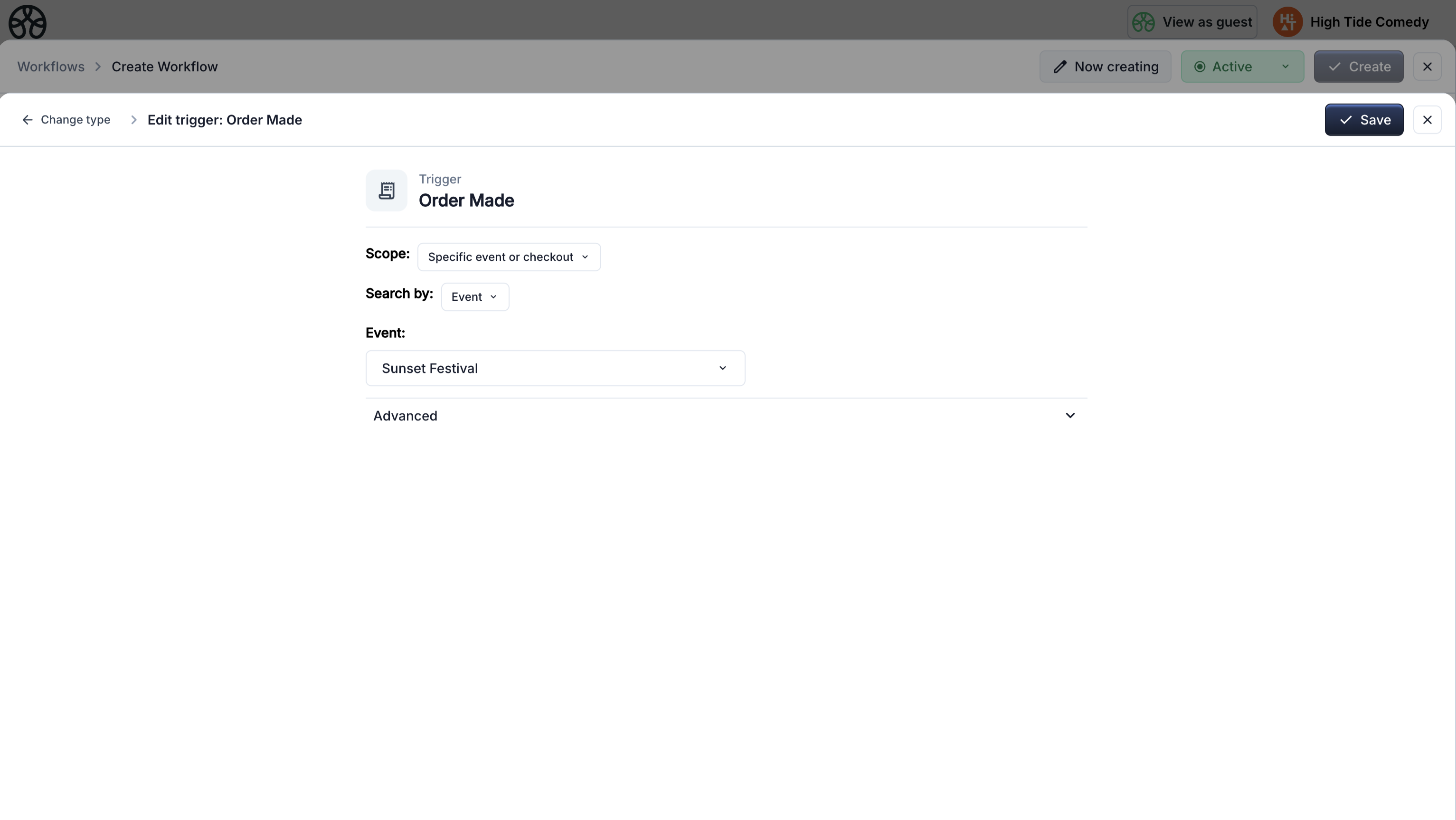
Fires when a customer completes an order for an event or standalone checkout.
| Setting | Options |
|---|---|
| Scope | All orders (global) · Specific event · Specific standalone checkout |
Smart values available: contact details, order data, event info, ticket data, form responses (if checkout has a form).
Common uses:
- Send a confirmation email after purchase
- Set a contact property with order details
- Webhook to sync order data to an external system
Product Purchased
Fires once per unit of each product purchased — not once per order. If a customer buys 3 tickets, this trigger fires 3 times, each with that specific ticket's data.
| Setting | Options |
|---|---|
| Scope | All products (global) · Specific product |
Smart values available: contact details, order data, individual product info (name, price, ticket ID, attendee name, attendee email, ticket PDF).
Common uses:
- Send a personalized email per ticket with the individual attendee's ticket PDF attached
- Set a contact property per purchased product
Product Purchased vs Order Made
Use Order Made for order-level automations (one email per order). Use Product Purchased for per-ticket automations (one email per ticket with individual attendee data).
Product Sold Out
Fires when a product's available quantity reaches zero.
| Setting | Options |
|---|---|
| Scope | Specific event or standalone checkout · Specific product |
Common uses:
- Automatically show a hidden ticket when another sells out
- Send a notification to your team
Event Created
Fires when a new event is created and published on your account.
| Setting | Options |
|---|---|
| Scope | Always global — fires for every new event |
Smart values available: event name, start date, end date, event ID, custom event properties.
Common uses:
- Webhook to notify external systems of new events
- Send an internal notification email
On Event Date
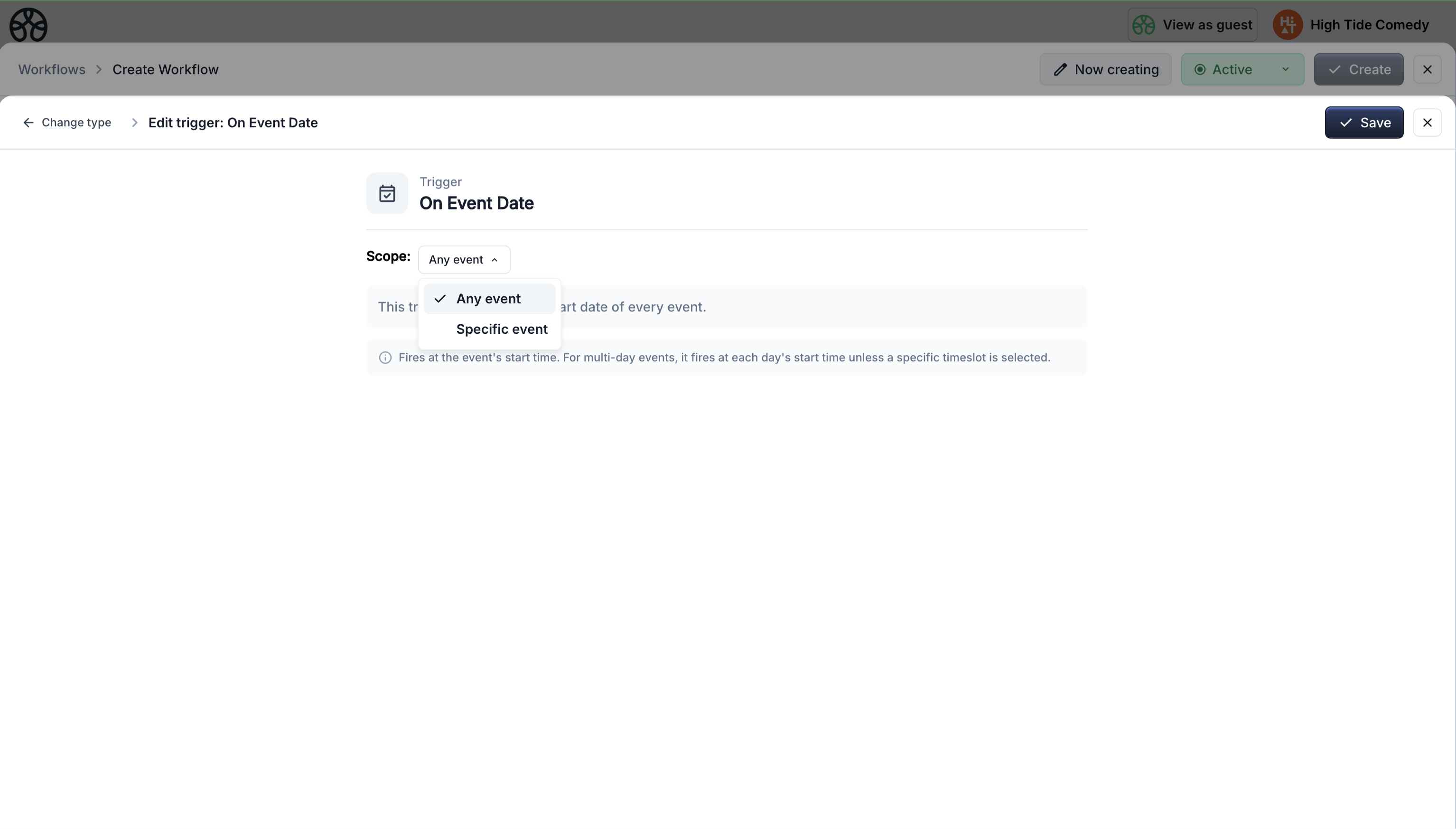
Fires on the exact date of an event. For multi-day events, you can target a specific day/timeslot.
| Setting | Options |
|---|---|
| Scope | All events (global) · Specific event |
| Timeslot | All days · Specific day (for multi-day events) |
Smart values available: event name, start date, end date, event ID, trigger date.
Common uses:
- Send a "today's the day" email to attendees
- Webhook to activate event-day integrations
Before/After Event Date
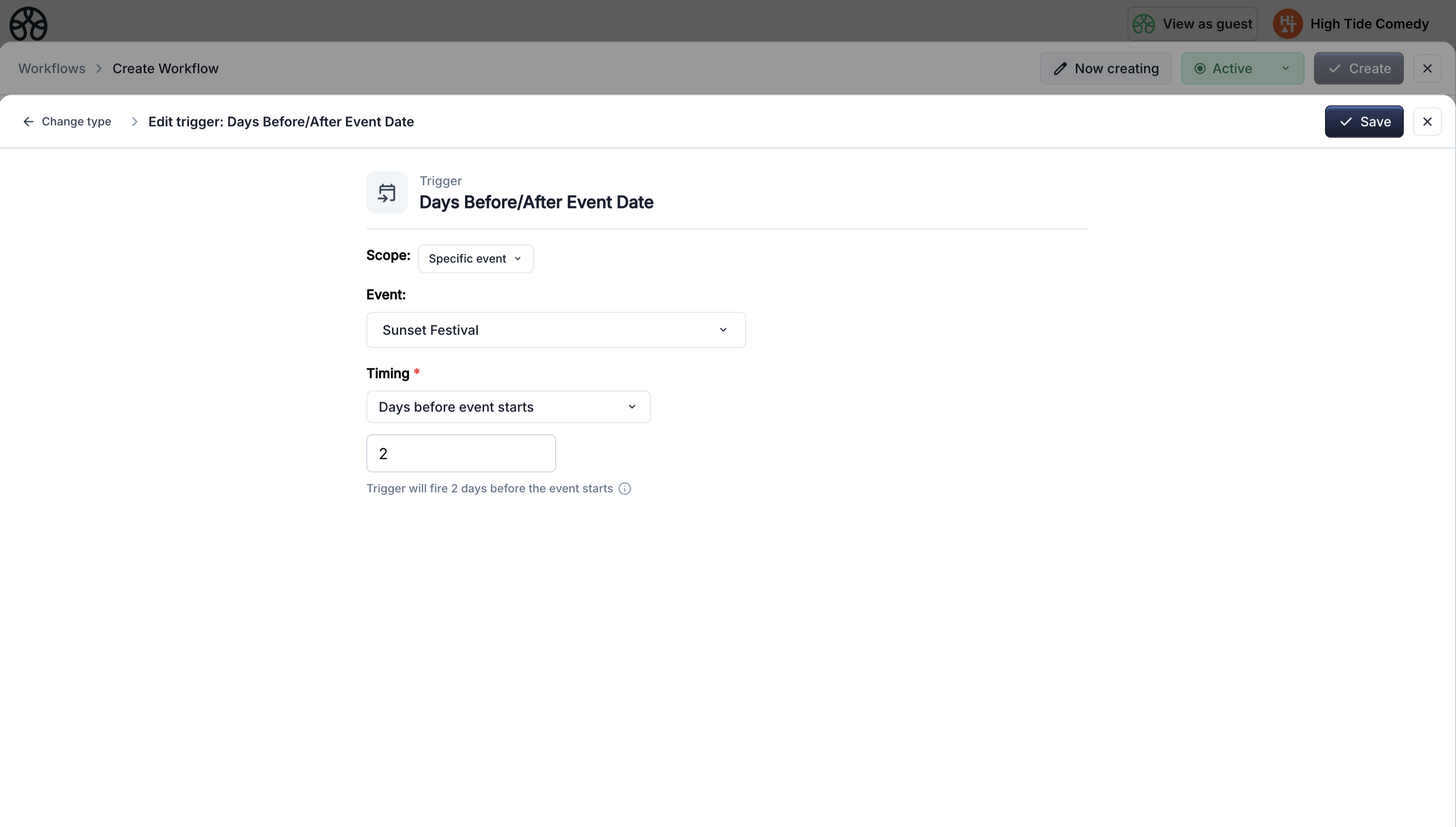
Fires a specified number of days or hours before the event starts, or after the event ends. Set the offset to 0 to fire right at the event start, whichever unit is selected.
Day offsets fire at the event's start (or end) time of day, e.g. 1 day before a 3:00 PM event fires at 3:00 PM the day before. An hours-before trigger that is activated after its fire moment has passed still fires as long as the event hasn't started yet.
| Setting | Options |
|---|---|
| Scope | All events (global) · Specific event |
| Timing | Days before event starts · Hours before event starts · Days after event ends · Hours after event ends |
| Days/Hours | Number of days or hours (0 = at the event start; decimals like 1.5 are supported) |
| Timeslot | All days · Specific day (for multi-day events) |
Smart values available: event name, start date, end date, event ID, trigger date.
Common uses:
- Send a reminder email 2 days before the event
- Send a day-of reminder with event details 4 hours before the event starts
- Send a thank-you email 1 day after the event
- Trigger a follow-up sequence 7 days after the event
Forms
Form Submitted
Fires when a form is submitted — either a standalone form or a form attached to an event checkout.
| Setting | Options |
|---|---|
| Scope | All forms (global) · Specific standalone form |
Smart values available: contact details, form questions and responses, form name, event info (if event-bound).
Common uses:
- Send a confirmation email with the respondent's answers
- Set a contact property based on a form response
- Webhook to push form data to a CRM or spreadsheet
CRM
Contact Created
Fires when a new contact is added to your CRM — from a purchase, form submission, or email subscription.
| Setting | Options |
|---|---|
| Scope | Always global — fires for every new contact |
Smart values available: contact first name, last name, email, phone, status, custom properties.
Common uses:
- Send a welcome email to new contacts
- Set a default membership status property
- Generate a unique member ID
Contact Property Updated
Fires when a custom property on a contact changes. You can optionally filter to fire only when the property reaches a specific value.
| Setting | Options |
|---|---|
| Property | Select which contact property to watch |
| Value filter | (Optional) Only fire when the value equals a specific value |
Smart values available: contact details, all custom contact properties, previous value, new value.
Common uses:
- Send an email when a membership status changes to "Active"
- Webhook when a contact's tier is upgraded
- Chain with a conditional to branch on the new value
Loop prevention
If a workflow's action updates the same property that triggered it, the re-trigger is automatically suppressed to prevent infinite loops.
On Contact Date Property
Fires on the exact date stored in a contact's date property. Checked every 5 minutes by the scheduler.
| Setting | Options |
|---|---|
| Property | Select which date property to watch |
Smart values available: contact details, all custom contact properties, the date value, property name.
Common uses:
- Revoke access on a membership expiry date
- Send a birthday greeting
Days Before/After Contact Date
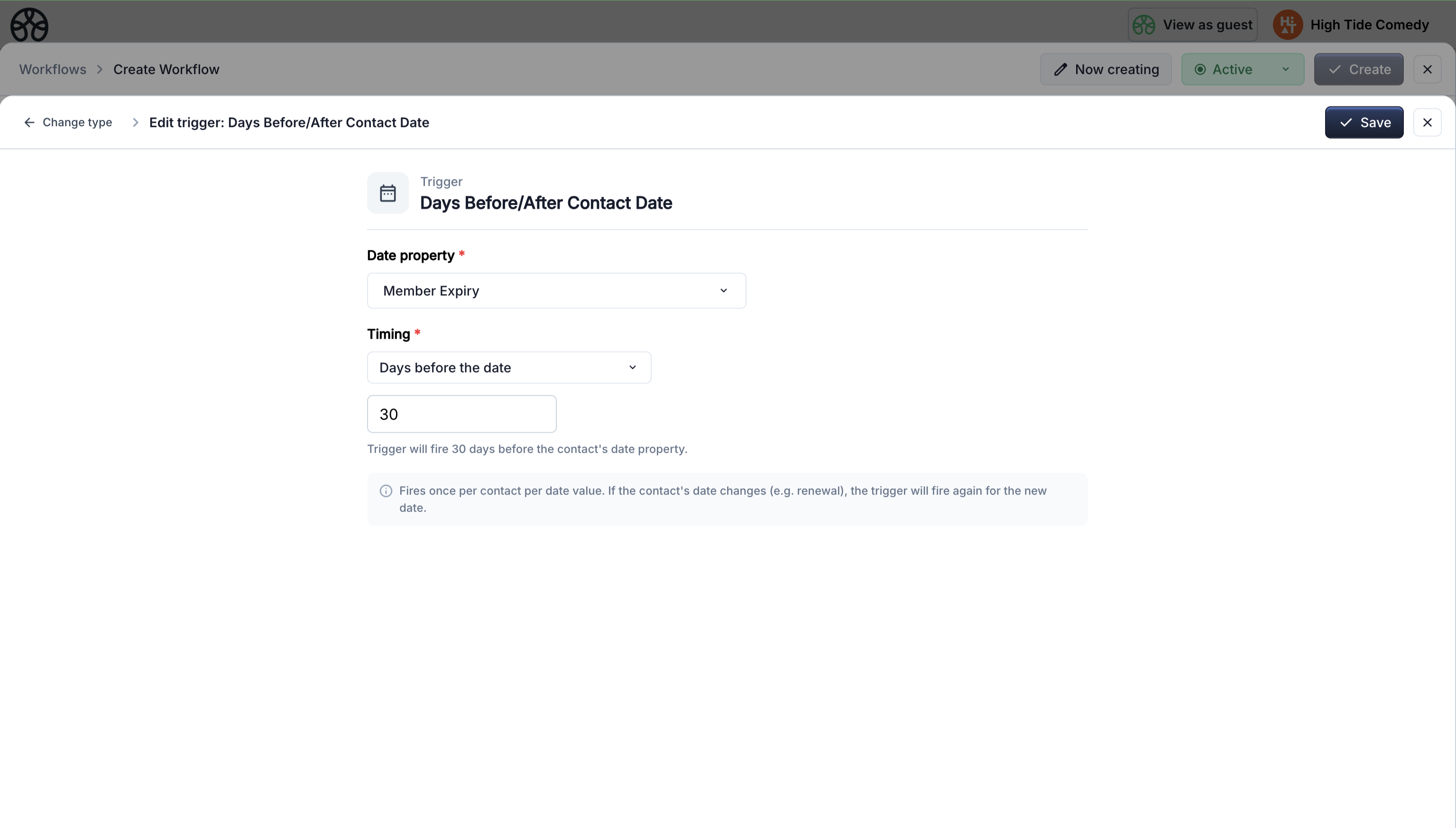
Fires a specified number of days before or after a contact's date property. Set to 0 to fire on the exact date.
| Setting | Options |
|---|---|
| Property | Select which date property to watch |
| Timing | Days before the date · Days after the date |
| Days | Number of days (0 = on the date itself) |
Smart values available: contact details, all custom contact properties, the date value, property name, trigger date.
Common uses:
- Send a renewal reminder 30 days before membership expiry
- Send a follow-up 7 days after a trial period ends
Date property changes
If a contact's date property is updated (e.g. membership renewed), the trigger fires again for the new date. It won't double-fire for a date it already processed.
Scheduling
On a Schedule
Runs at a time you choose rather than when something happens: every day, every week on a chosen day, every month on a chosen day, or once on a single date. The date and time are read in the timezone you pick, so the workflow keeps running at the same local time when the clocks change for daylight saving. Once the workflow is active, its next run time shows in the workflows table and in the workflow's side panel.
| Setting | Options |
|---|---|
| Runs | Once · On a recurring schedule |
| Frequency | Daily · Weekly · Monthly (recurring schedules only) |
| Day | Sunday through Saturday (weekly schedules only) |
| Day of month | 1 through 31 (monthly schedules only). If the chosen day doesn't exist in a shorter month, it runs on that month's last day instead: the 31st runs on April 30, and the 29th, 30th or 31st run on February 28, or February 29 in a leap year |
| Date | The day it runs, today or later in the chosen timezone (single-date schedules only). A date and time that have already passed can't be saved |
| Time | The time of day it runs |
| Timezone | The timezone the date and time are read in. Starts as your browser's timezone and can be changed |
Separately, the workflow canvas has its own Runs setting, which says whether the whole workflow fires once or keeps firing. For a scheduled workflow it is locked and captioned "Set by the schedule": One time for a single date and Persistent for a recurring schedule.
Smart values available: trigger date.
Common uses:
- Send a daily report email to your team
- Send a one-off reminder at a set date and time
Missed times and pausing
A run that is more than 5 minutes overdue by the time the scheduler reaches it, for example because the scheduler was unavailable, is skipped rather than run late. The skip appears in the workflow's logs with the reason, so a missed run is never lost silently.
Setting the workflow to Paused stops the schedule entirely: nothing runs until you set it back to Active. It then picks up from its next scheduled time, without making up the runs it would have had while paused and without logging them as skipped.
Scope: global vs specific
Many triggers support two scope modes:
- All (global) — the workflow fires for any matching event across your entire account. Useful for account-wide automations.
- Specific — the workflow fires only for a specific event, form, checkout, or product you select. Useful for event-specific flows.
Global scope is useful for automations that should apply across your entire account without needing to select individual events or products.