Invoicing
Invoicing on 3Common lets you bill a specific customer for one or more items, collect payment online, and (when the items are tickets) issue the tickets automatically the moment the invoice is paid. It works for selling tickets outside the public storefront, billing a sponsor, charging a deposit, or any one-off charge to a named customer.
Start here
-
Create your first invoice
Build a draft, pick a customer, add line items, set tax and a due date.
-
Finalize and send
Lock the draft, generate the PDF, and email it to your customer with a payment link.
-
What the customer sees
Tour the customer-facing payment page, invoice email, and payment receipt.
-
Refunds
Issue a full or partial refund on a paid invoice.
-
Void and revise
Cancel an unpaid invoice or replace it with a corrected one.
-
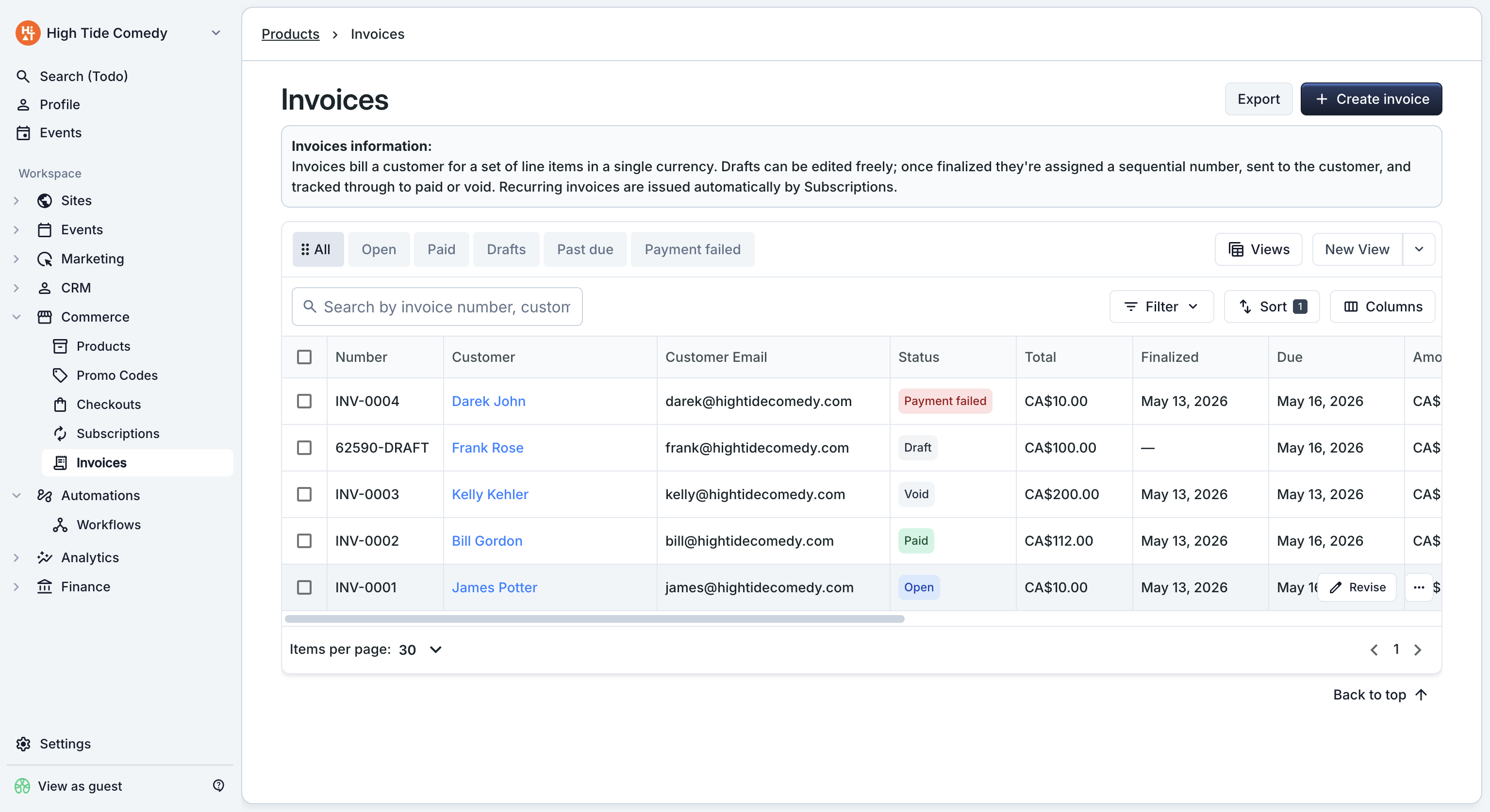
The invoice dashboard
Filter, search, export, and dig into a single invoice with the side-peek.
When invoicing is the right tool
Invoicing is built for named-customer billing — the customer is someone you know, not an anonymous buyer hitting your storefront. Pick invoicing when you need to:
- Bill a specific contact for a known amount (a deposit, a custom package, a sponsorship).
- Sell tickets outside your public event page — a comp ticket, an industry guest, a private group buy.
- Collect from a returning customer with a card already on file (one-click auto-charge).
- Bundle multiple products (tickets + add-ons + merch) on a single document with one total.
For a high-volume public sale where anonymous buyers self-serve through your event page, stick with the storefront — invoicing is for the named-customer path.
See Get started for the full orientation.