Renewals
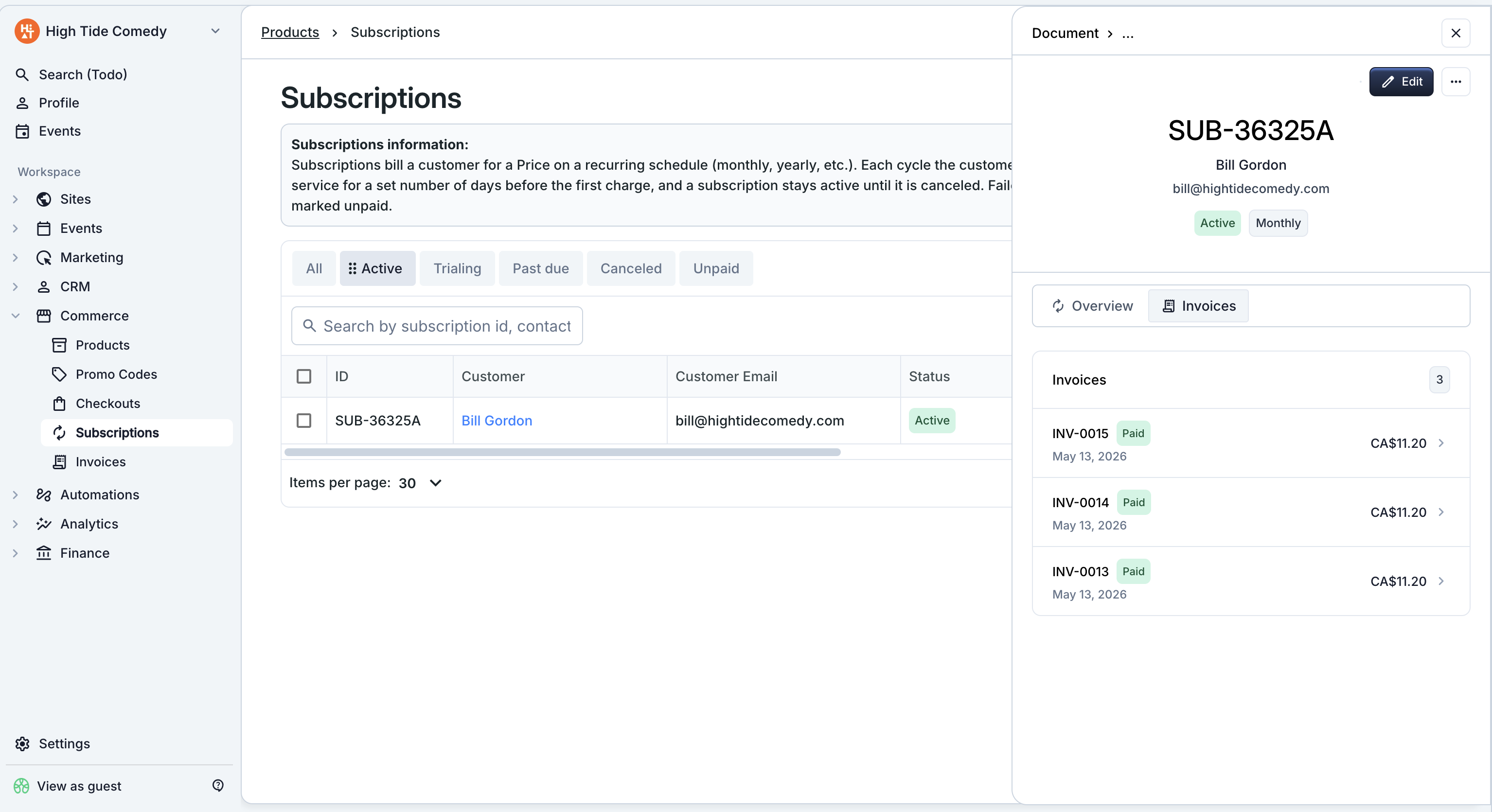
A renewal is what happens automatically at the end of every billing period. The platform generates a fresh invoice, charges the card (or emails a payment link), issues any tickets, and sends the customer their receipt. You don't have to do anything — the scheduler runs on its own.
Who this is for
Hosts who want to understand exactly what the platform does at each renewal tick, what happens on a failed charge, and how to intervene when dunning runs out.
What happens at each renewal
When a subscription's current period ends, the renewal scheduler:
- Advances the period. Computes the next period start / end dates based on the subscription's cadence.
- Generates a renewal invoice. Same items, same customer, same tax setup as the previous cycle. The invoice gets a fresh number from your invoice sequence.
- Finalizes the invoice. Locks it for payment.
- Charges or emails.
- Auto-charge → charges the saved card on file the moment the invoice finalizes.
- Manual collection → emails the customer a payment link.
- Issues tickets. If any line items are ticket products, tickets get generated and attached to the email.
- Sends the customer their email. Receipt for auto-charge, payment-link email for manual.
A successful renewal keeps the subscription Active. A failed auto-charge moves it to Past due and triggers dunning.
Trial transitions
If a subscription is Trialing, the trial-end date acts as the first renewal tick:
- The platform generates the first paid invoice the moment the trial ends.
- The subscription transitions from Trialing to Active on a successful first charge.
- If the first charge fails, the subscription goes to Past due and dunning starts immediately.
Billing cycle anchor
If you set a billing cycle anchor at creation, the first paid renewal runs on that anchor date. Subsequent renewals follow the subscription's cadence from there — anchor on the 15th of the month on a monthly cadence and every future renewal is on the 15th.
Dunning
Dunning is the platform's automatic retry sequence for failed auto-charges. When a renewal charge declines, the subscription goes to Past due and the platform retries on a fixed schedule:
| Retry # | Days after the previous failure |
|---|---|
| 1 | 3 days |
| 2 | 5 days |
| 3 | 7 days |
After the third retry fails, the subscription transitions to Unpaid and the platform stops retrying. At that point you need to reach the customer out-of-band — the platform has given up on charging the card.
Dunning is auto-charge only
Manual-collection subscriptions don't dunn. If a manual- collection invoice goes unpaid past its due date, it sits in Past due until the customer pays through the link or you take action (resend the email, switch the subscription to auto-charge, or cancel it).
What recovers a Past due subscription
Any of the following moves the subscription back to Active:
- A retry succeeds. The customer's bank approves the next scheduled retry — no host action required.
- The customer pays the open invoice directly through a payment link you've shared.
- The customer updates their card and a retry runs. Once a fresh card is on file, the next scheduled retry uses it.
What to do when a subscription goes Unpaid
Once dunning is exhausted, the subscription is Unpaid and won't retry on its own. Your options:
- Cancel and re-create when the customer is ready. Once their card is updated, set up a new subscription on the same items.
- Cancel and let it go if the customer is gone. See Cancellation.
Renewals and tickets
If any item on the subscription is a ticket product, each renewal generates a fresh batch of tickets, attached to the receipt email. Customers don't need to take a second step — their tickets arrive with the receipt the moment payment clears.
Bundle items work the same way: a "VIP package" bundle generates a separate ticket per component on every renewal.
Troubleshooting
A renewal didn't run when I expected it to
A few things to check:
- The subscription status. Canceled and Unpaid subscriptions don't renew. If it's Past due, it's waiting for the next dunning retry, not a fresh renewal.
- Trial / billing-anchor end date. If the subscription is Trialing or has a future anchor, the first renewal is on that date, not today.
- The cadence. Open the side-peek and check the next renewal date.
Can I skip a renewal?
Not directly. Closest options:
- Cancel and re-create when the customer is ready. Loses continuity but is the cleanest.
- Refund the renewal after it runs. The platform won't skip the charge but you can return the money.
The customer says they were charged but the renewal shows Past due
Open the renewal invoice from the subscription's side-peek and check the payment history. If a payment appears there, refresh the dashboard — the status should update. If the customer has a Stripe charge ID but the invoice shows no payment, contact support so they can reconcile the orphaned charge.