Subscriptions
Subscriptions on 3Common let you bill a specific customer on a recurring cadence — monthly memberships, weekly classes, annual sponsorships, anything that renews on its own schedule. They build on the same payment plumbing as invoicing: every renewal generates a real invoice, processes through your connected payout account, issues any ticket products, and sends the customer their receipt.
Start here
-
Get started
The lifecycle, what a subscription is made of, and how auto-charge differs from manual collection.
-
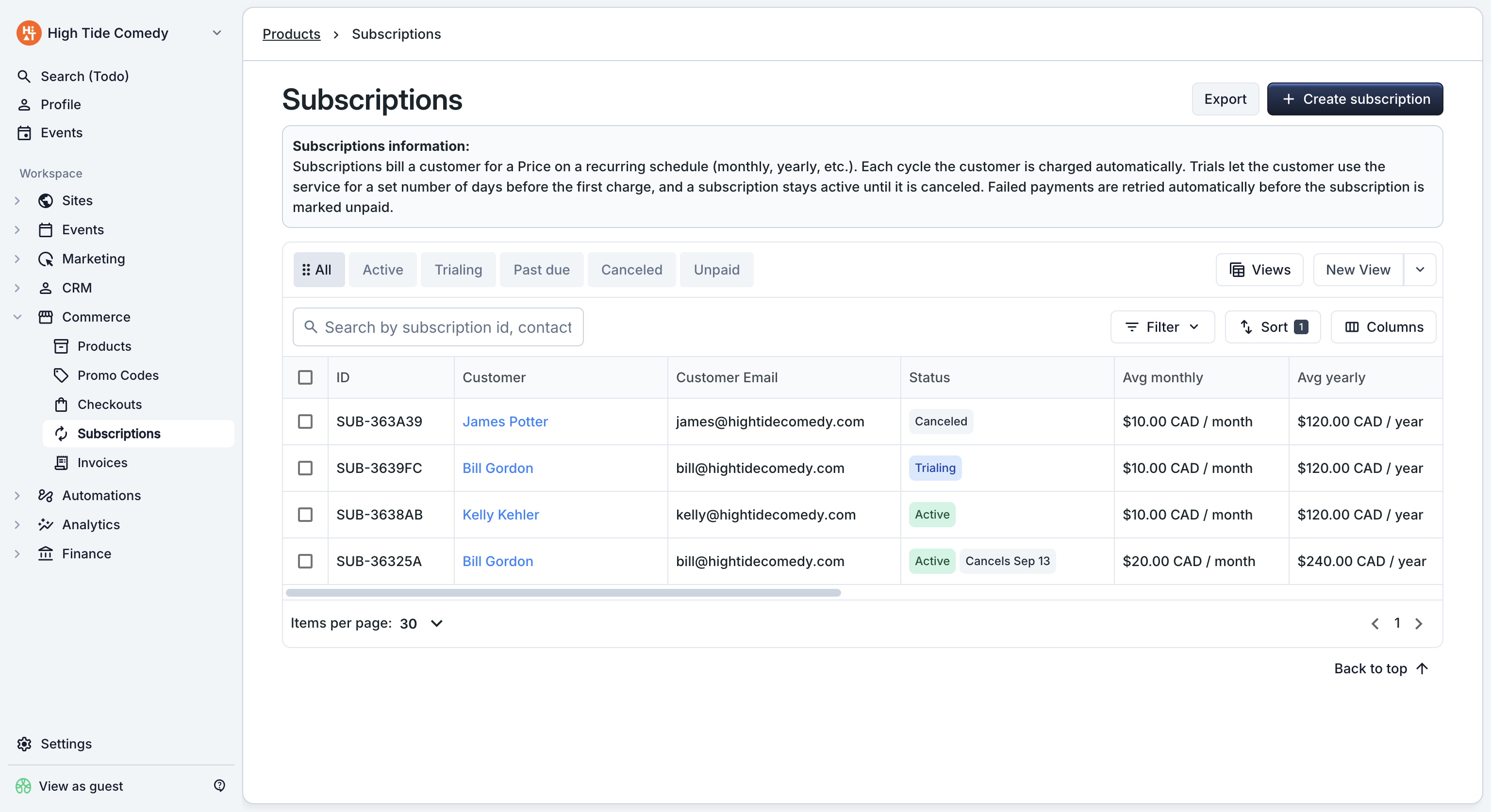
The subscriptions dashboard
Find a subscription, filter by status, dig into the side-peek.
-
Create a subscription
Pick a customer, choose recurring items, set up a trial, finalize the first cycle.
-
Renewals
How the renewal scheduler runs, what happens on failure, and how dunning recovers a past-due subscription.
-
Editing a subscription
Change items or quantities mid-cycle. Includes how proration is calculated.
-
Cancellation
Cancel now or at period end, optionally refund, and undo a scheduled cancellation.
-
Customer portal
The self-service page your customers use to view their subscription and cancel on their own.
When subscriptions are the right tool
Pick subscriptions when the customer is going to be billed on a fixed cadence — every month, every week, every year. The platform handles the scheduler, the renewal invoice, the auto-charge, the failed-payment retry, and the customer's self-service page. You set it up once and let it run.
For a one-time charge against a named customer (a deposit, a sponsorship, an outlier sale), use Invoicing instead. Invoices are single-cycle; subscriptions automate the repeat.
See Get started for the full orientation.